


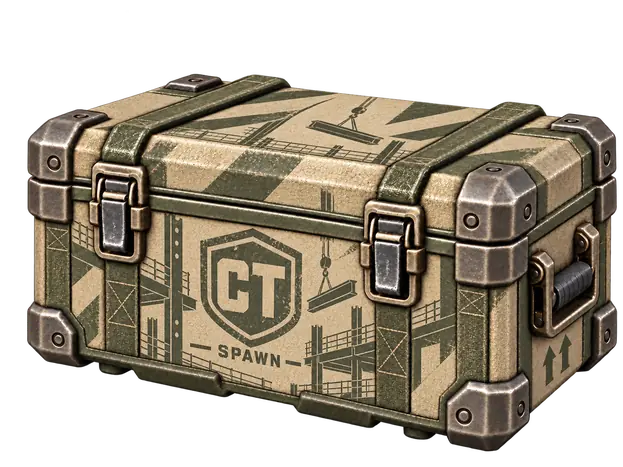
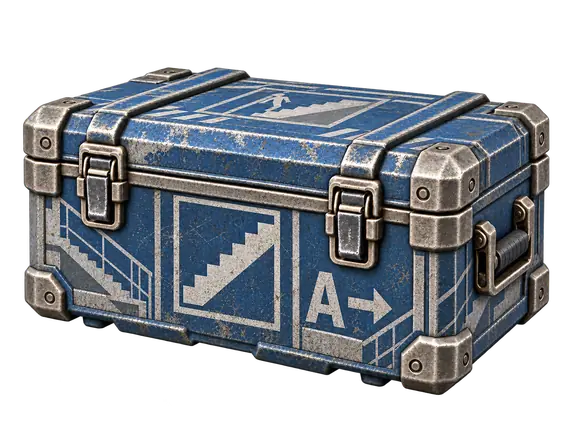
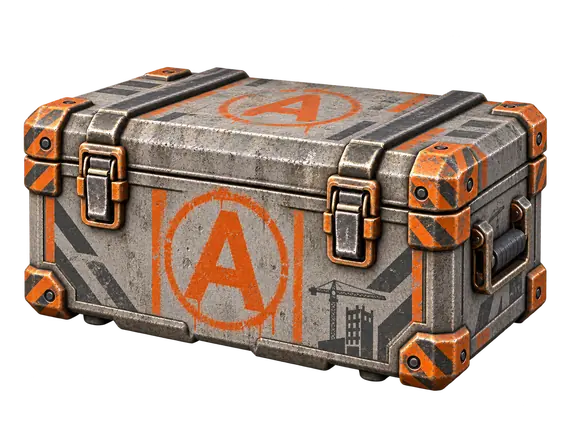
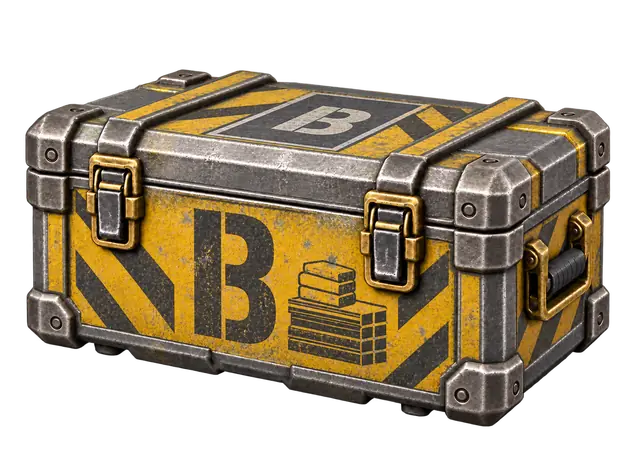
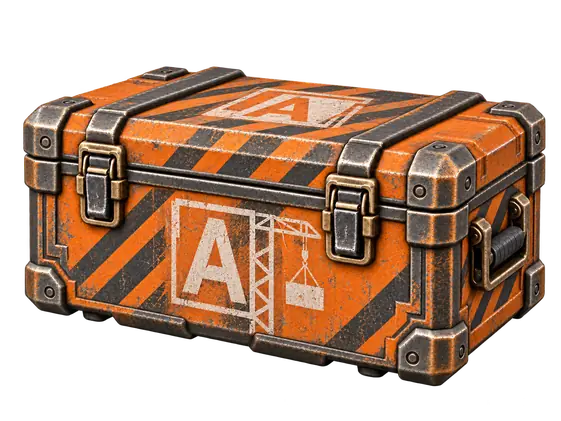
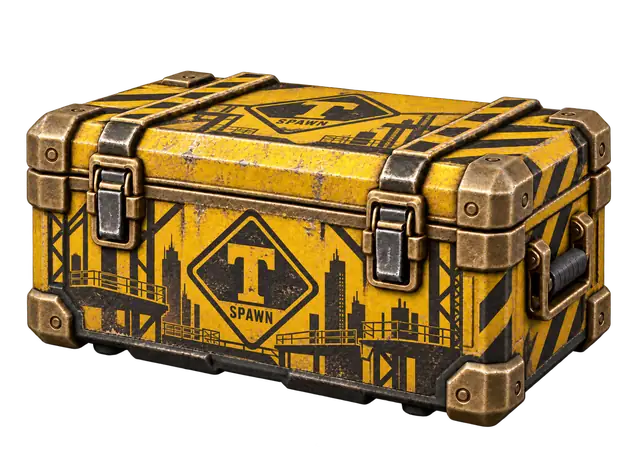
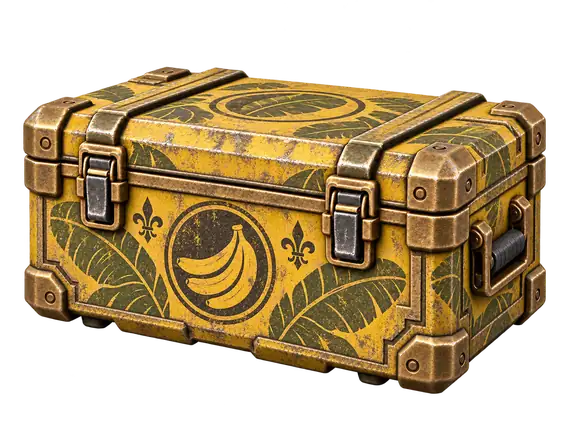
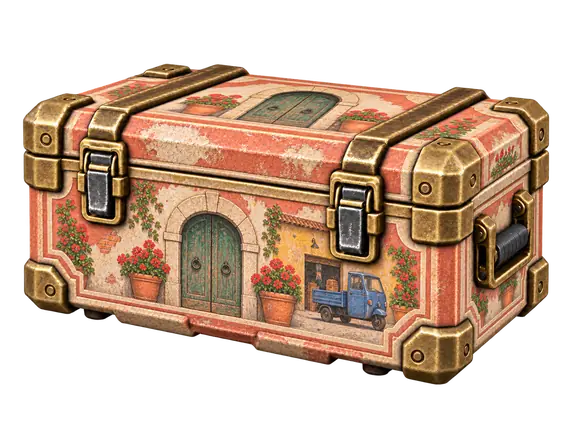
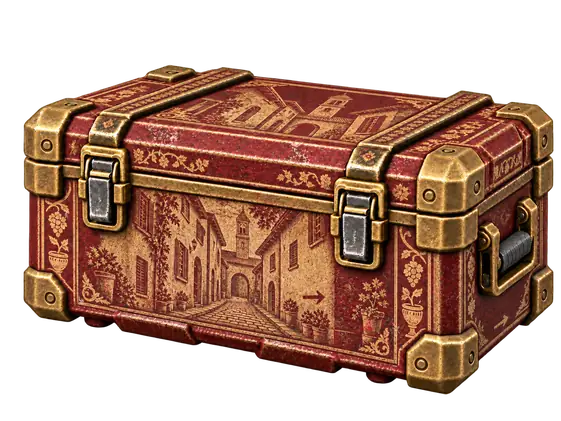
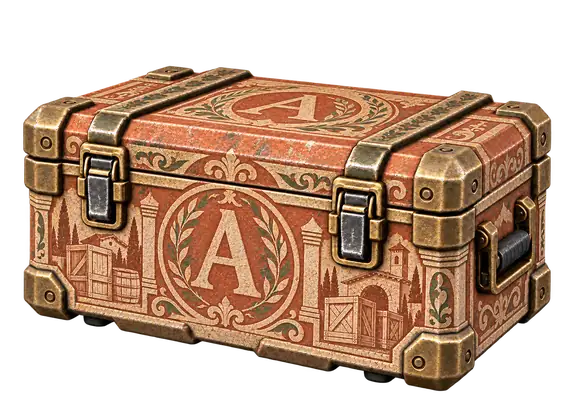
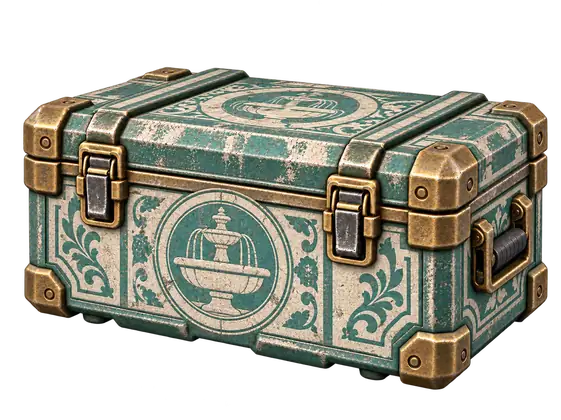
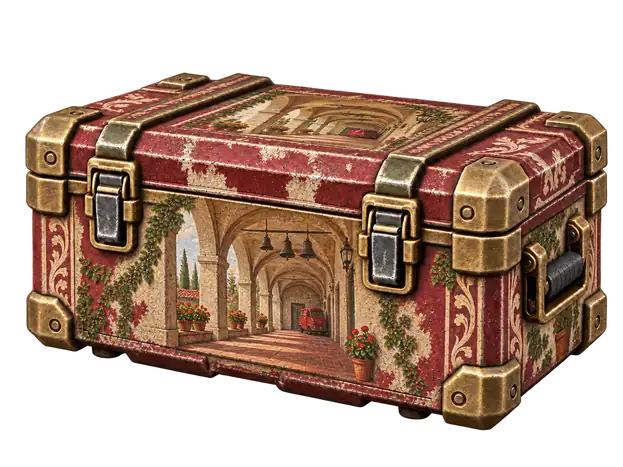
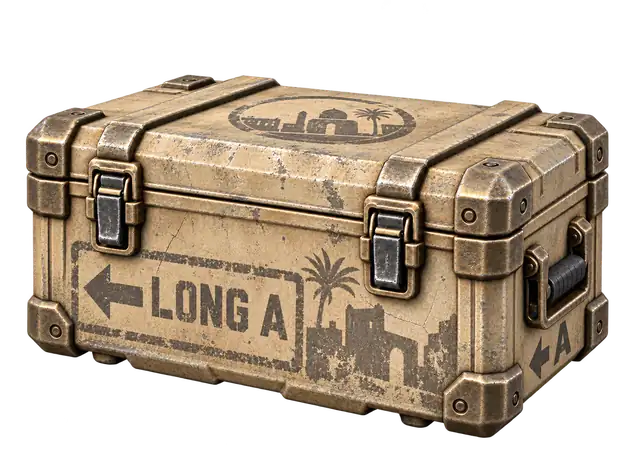
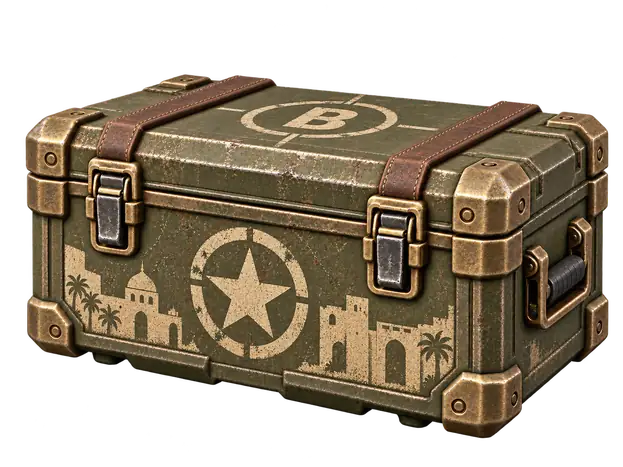
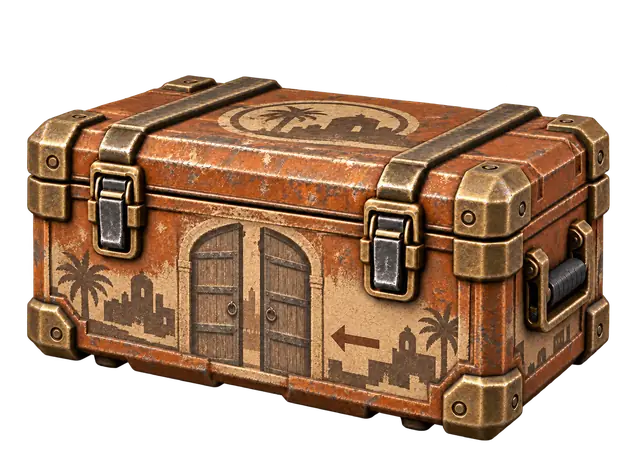
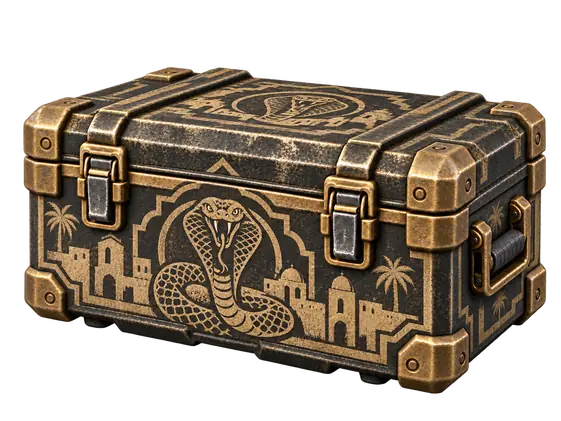
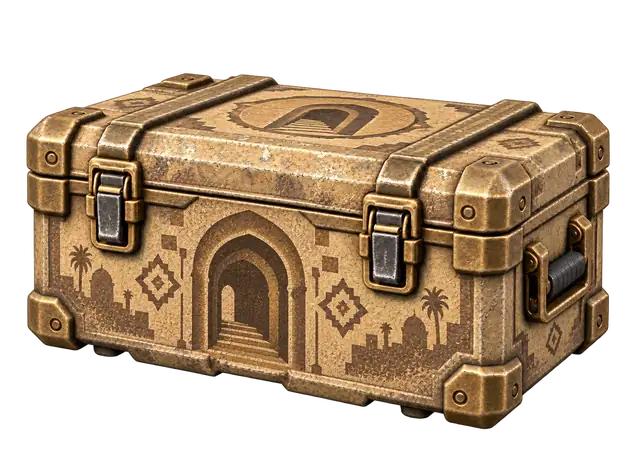
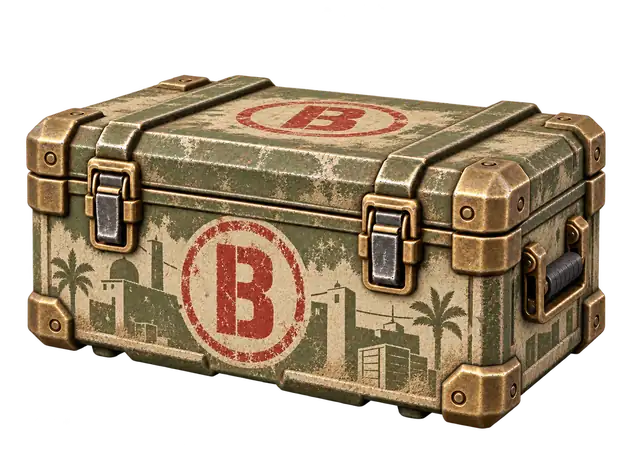
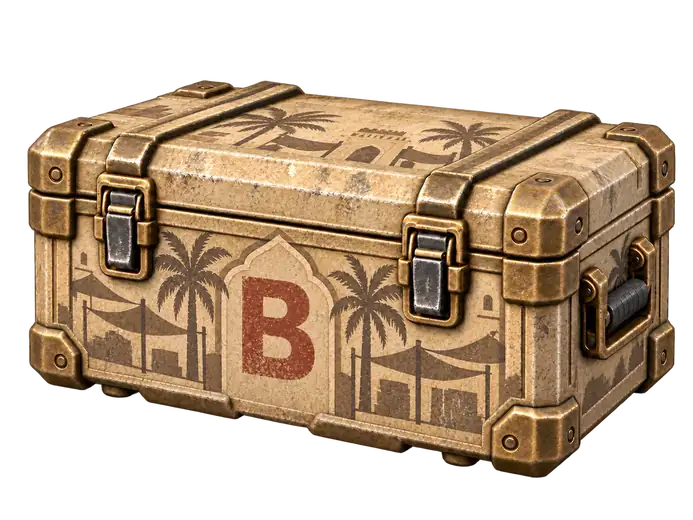
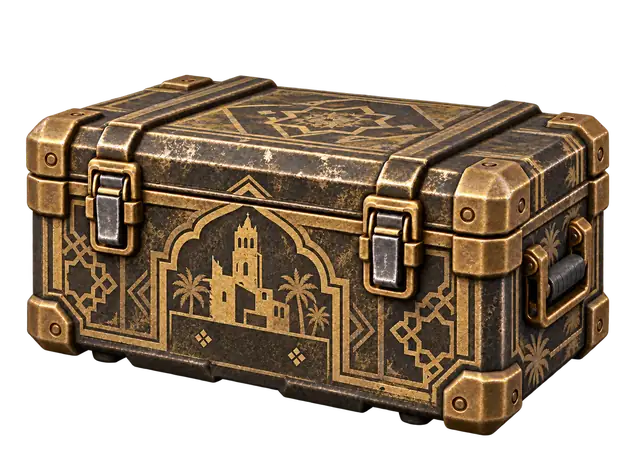
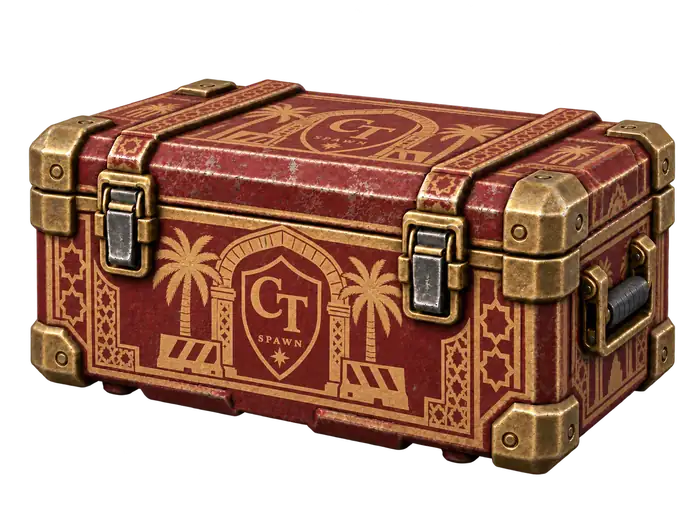
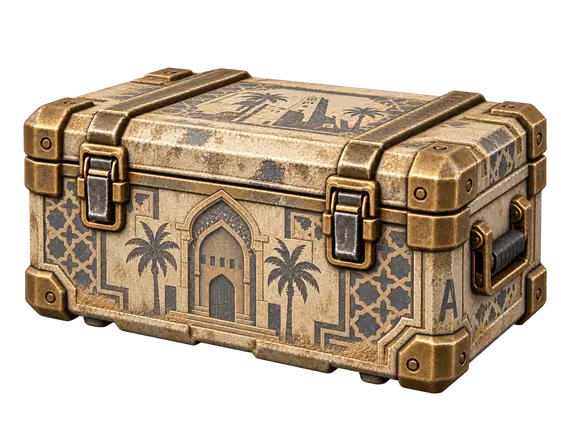
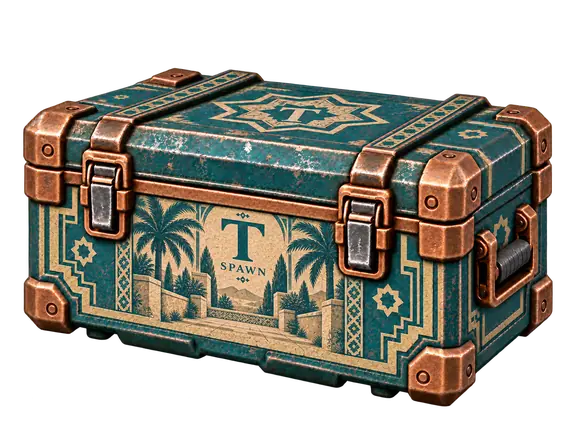
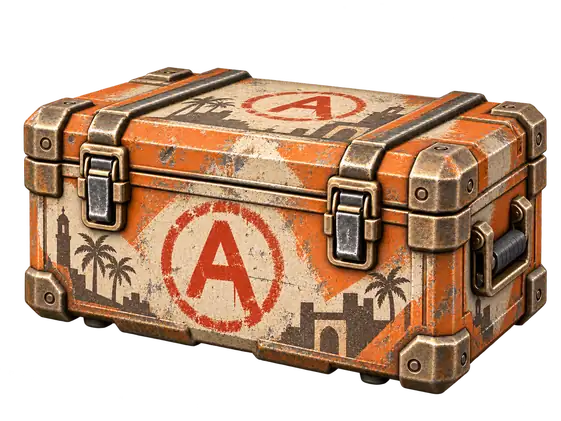
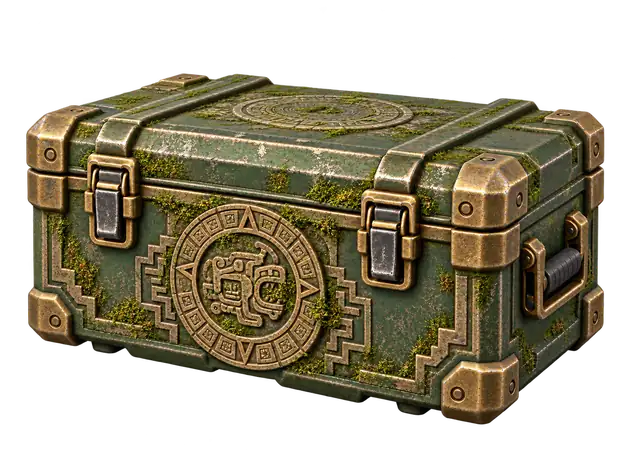
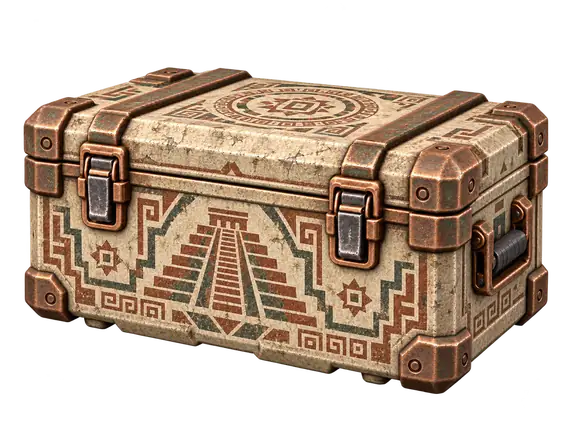
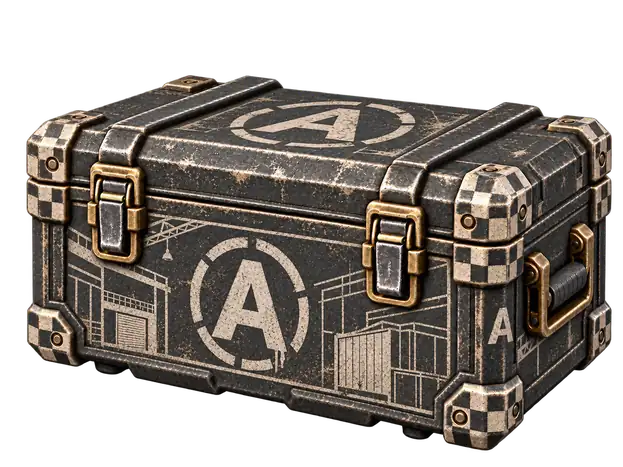
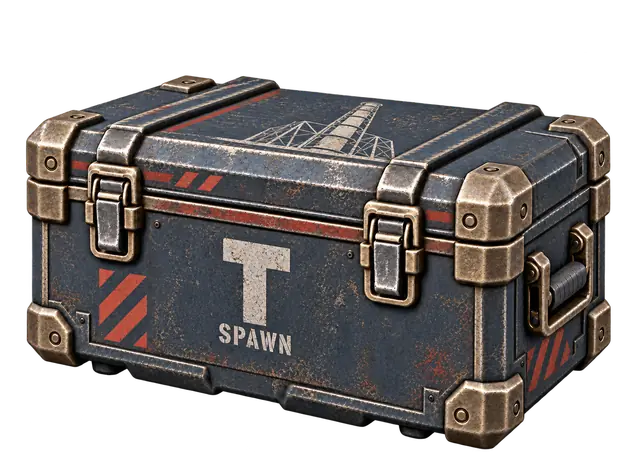
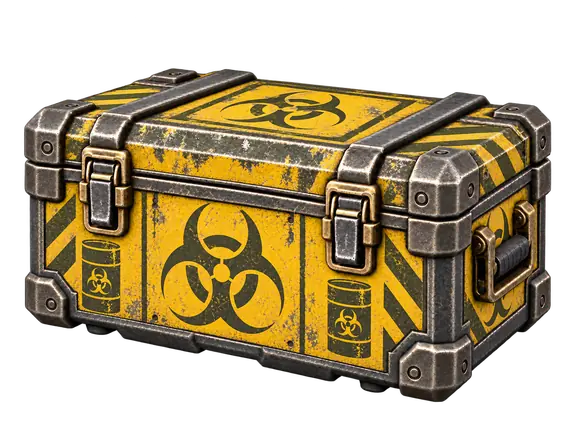
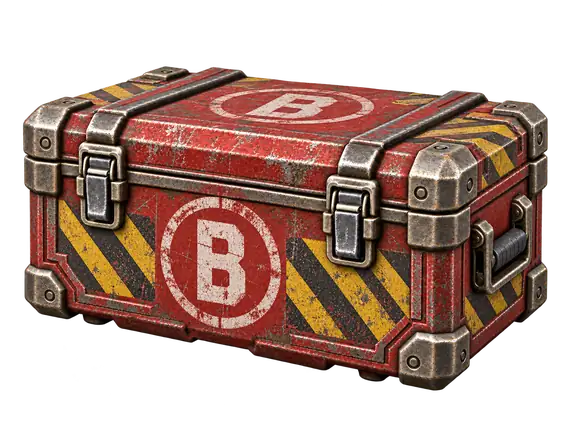
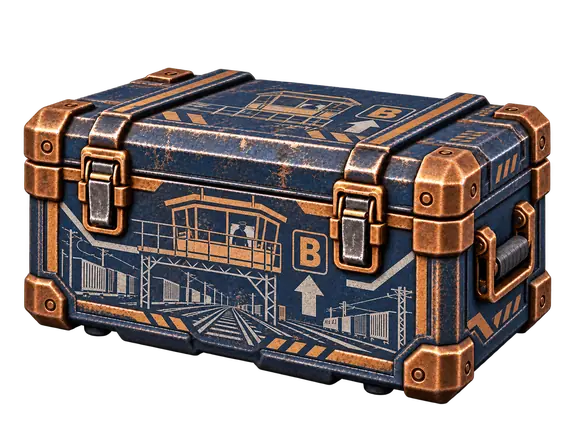
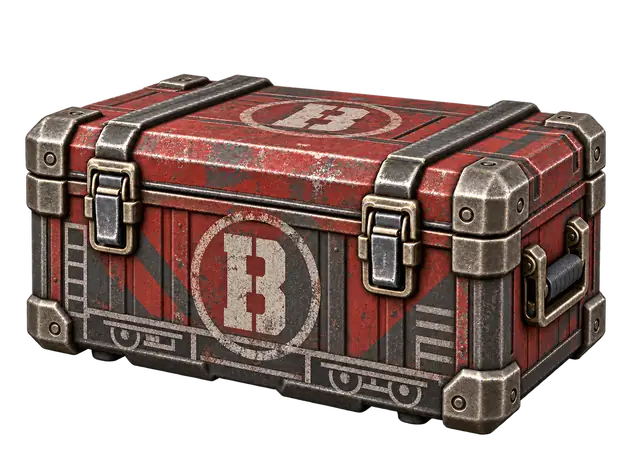
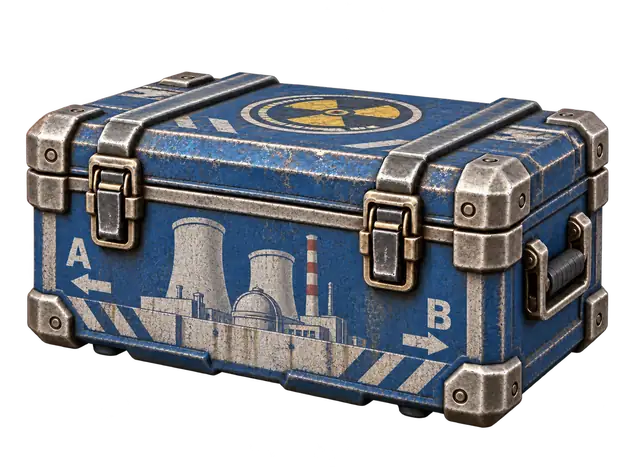
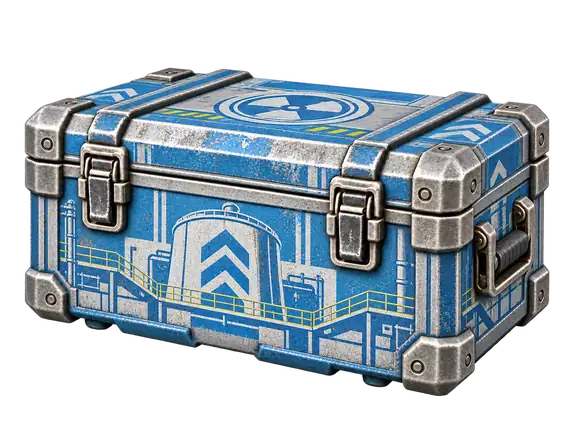
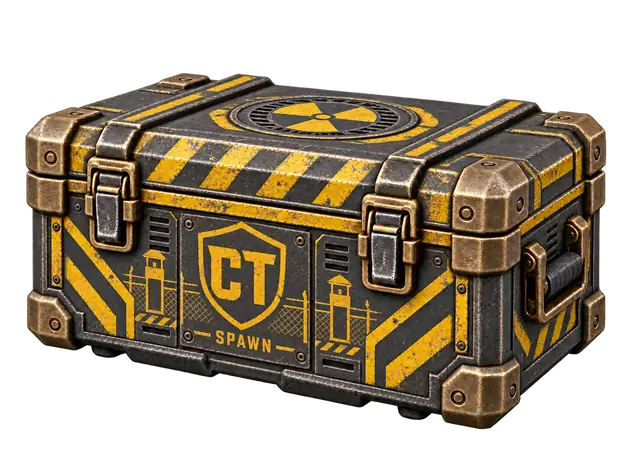
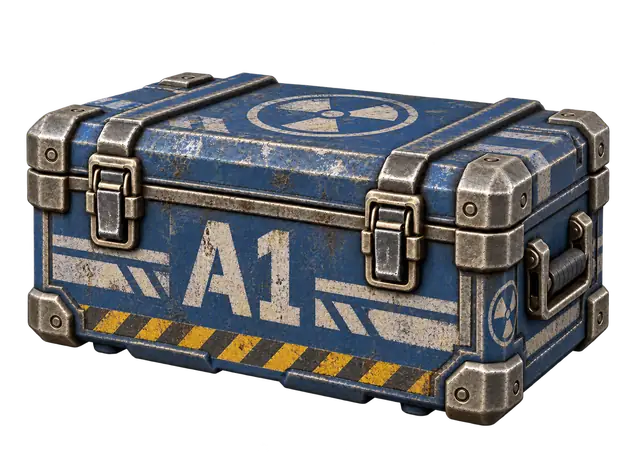
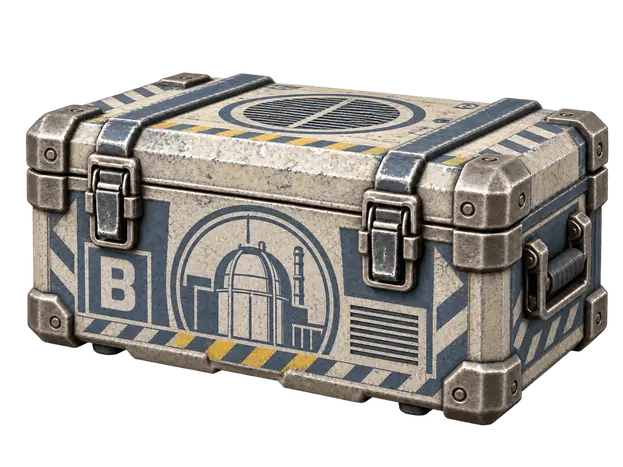
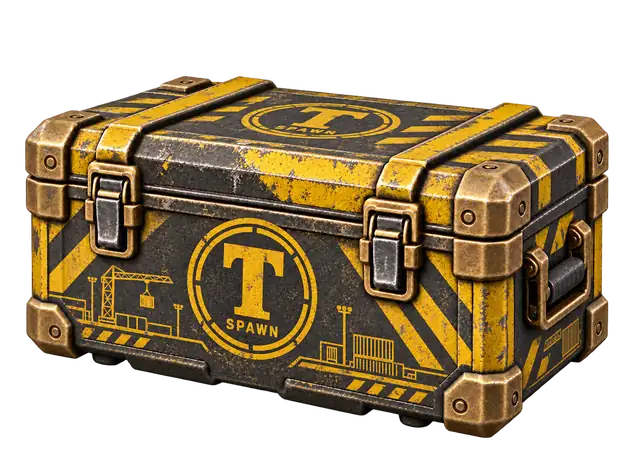
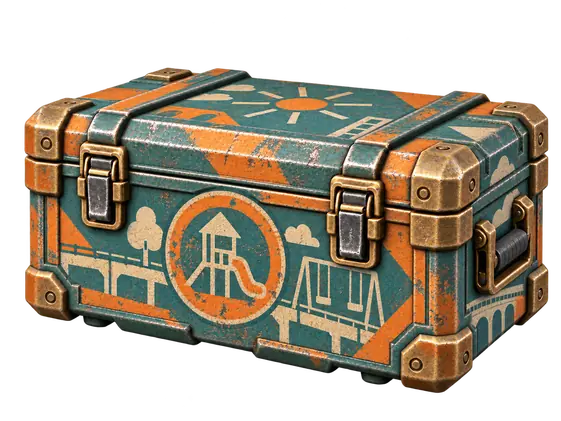
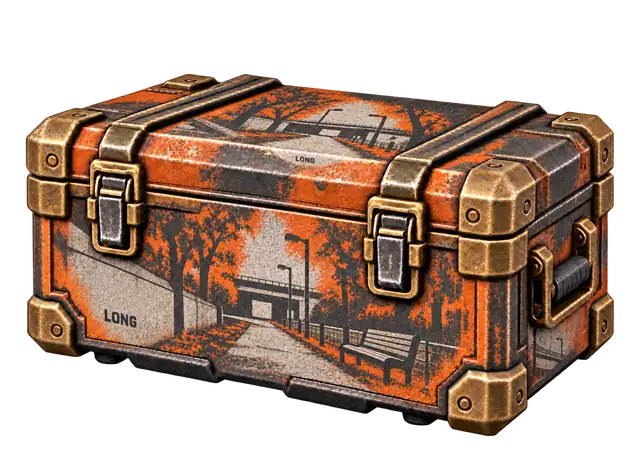
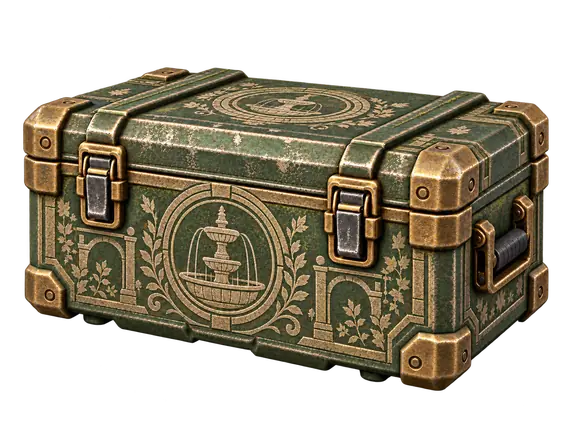
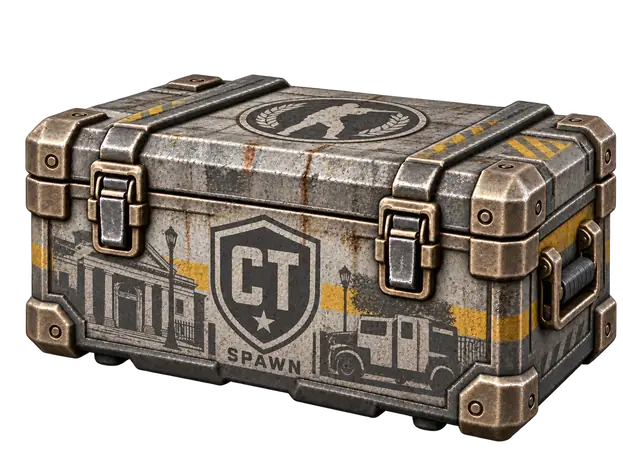
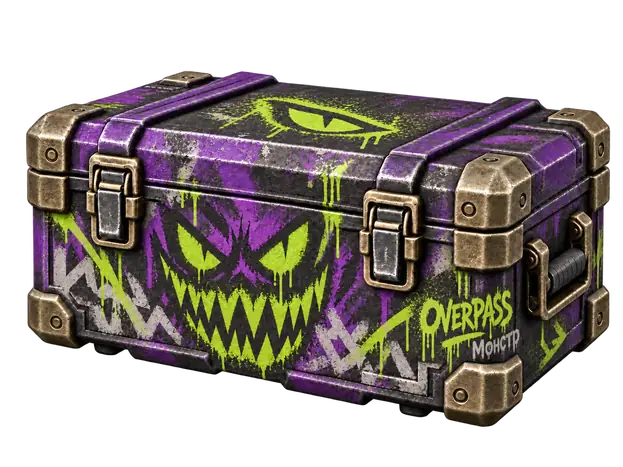
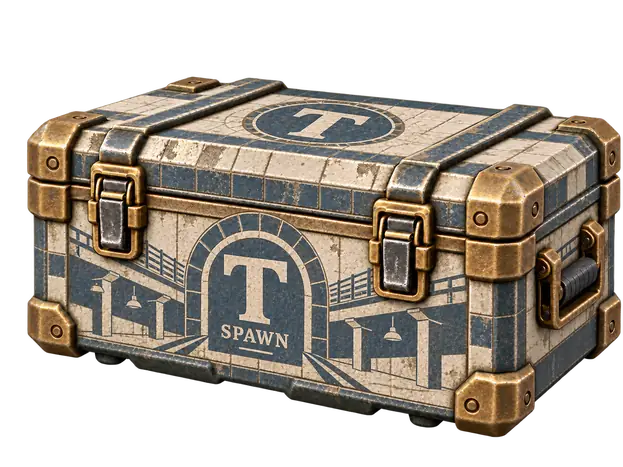
Your favorite map, familiar positions, a new drop. Pick a case on BigBalls and see which skins are inside. Want to choose the target skin yourself? Try the upgrader.
Openings on bonus terms
The site may have bonus cases. If such a case is available, its card shows the opening conditions. Check the requirements: no separate opening fee does not always mean you won't need to top up.
Start with your favorite map
Bombsites, mid, spawns and other familiar positions became the names of BigBalls cases. Open a map's category and compare its cases. The same position name on different maps does not make the cases the same — each has its own page and contents.
Find a case that suits you
Choose a price range or use the search. On the “Skins” tab, you can find cases with the item you need. The “Available to me” filter helps you check the options for your account.
See what's inside before opening
Open the case contents: they list the specific items and their variants. Pay attention to the finish and the wear — even similar skins can differ. Check the item cards for up-to-date details.
From choosing a case to your inventory
- Sign in with Steam.
- Find a case and check its contents and opening conditions.
- If payment is required, check the amount and the available top-up methods. For bonus access, meet the conditions of that specific case.
- After opening, find the result in your BigBalls inventory.
The demo shows the opening mechanics without spending your balance. The item from a demo is not credited, and its result does not determine your next regular opening.
The drop is in your inventory. What's next?
Open the card of the item you received and choose an available action: sell it to your balance, use it in an upgrade or withdraw it to Steam. Trade instructions and help with delays are in the FAQ.
Choose your target in the upgrader
In a case, the result is drawn from a fixed set. In the upgrader, you pick the target skin yourself and build your stake from items or balance. Check the shown chance before you start.
Check your cashback
Whether you have a reward, when the calculation updates and how much time is left to claim it — see the cashback section after signing in. Accruals depend on the program terms and your activity.
BigBalls platform cases
These are the platform's own selections with their own contents. Opening a case on BigBalls does not add a container to your Steam inventory: the result appears in your inventory on the site. BigBalls is an independent service not affiliated with Valve.